Fax Store
At GetFaxing.com, we specialize in fax software and fax and voice modems for Microsoft Windows 11/10/8/7. All products from us include 180 days of on-line technical support and a 30-day money back guarantee if you are not completely satisfied.
Showing 1–16 of 29 results
-
Fax Hardware (14)
-
Fax Software (17)
-
Upgrades (6)
-
Services (1)
-
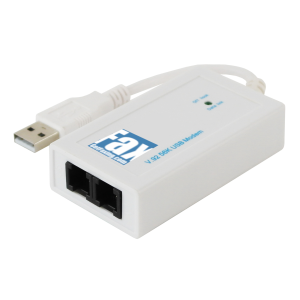
Fax Modem Voice USB Dual Port TAPI for Windows 11/10
USD $109.95 Add to cart -
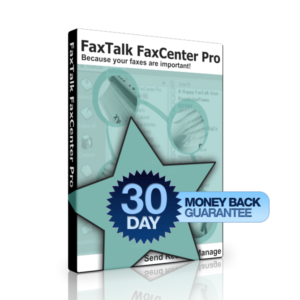
FaxTalk FaxCenter Pro 10
From: USD $59.94 Select options -
Sale!
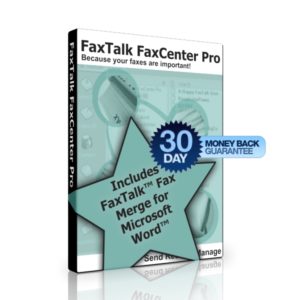
FaxTalk FaxCenter Pro 10 Bundle
From: Original price was: USD $119.89.USD $99.91Current price is: USD $99.91. Select options -
Sale!
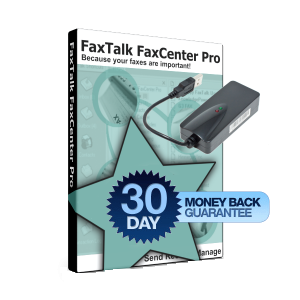
FaxTalk FaxCenter Pro 10 Bundle with Fax Modem
From: Original price was: USD $229.84.USD $209.86Current price is: USD $209.86. Select options -
Sale!
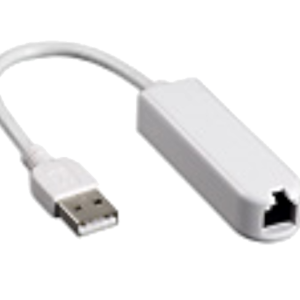
Fax Modem Voice USB Caller ID Windows 11/10/8/7 Refurbished
Original price was: USD $69.95.USD $59.95Current price is: USD $59.95. Add to cart -
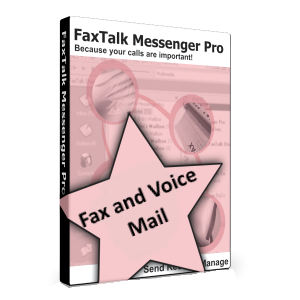
FaxTalk Messenger Pro 10
From: USD $89.95 Select options -
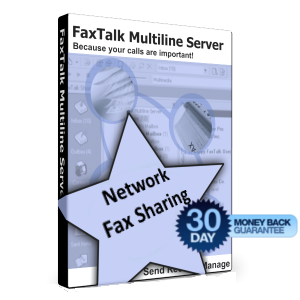
FaxTalk Multiline Server 10
From: USD $149.95 Select options -
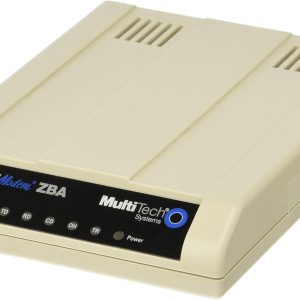
Fax Modem MultiTech MT9234ZBA-USB Windows 11/10 External (Refurbished)
USD $109.95 Add to cart -
Sale!
FaxTalk Multiline Fax Server 10 Upgrade (Download)
Select options This product has multiple variants. The options may be chosen on the product page -
FaxTalk Multiline Fax Server 10 (Download)
Select options This product has multiple variants. The options may be chosen on the product page -
FaxTalk FaxCenter Pro 10 Upgrade (Download)
Select options This product has multiple variants. The options may be chosen on the product page -
FaxTalk FaxCenter Pro 10 (Download)
Select options This product has multiple variants. The options may be chosen on the product page -

FaxTalk Messenger Pro 10 Upgrade (Download)
Select options This product has multiple variants. The options may be chosen on the product page -
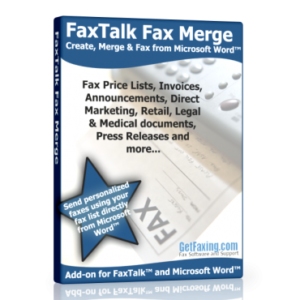
FaxTalk Fax Merge Add-in for Microsoft Word (Download)
USD $59.95 Add to cart -
FaxTalk Messenger Pro 10 (Download)
Select options This product has multiple variants. The options may be chosen on the product page -
Sale!
FaxTalk Fax Merge Add-in for Microsoft Word (Upgrade)
Original price was: USD $59.95.USD $39.95Current price is: USD $39.95. Add to cart
 US Dollar
  Canadian Dollar